Actions Tracker

Updated over a week ago
This tool allows multiple users to annotate and log energy-saving actions as they are
implemented. You can access the action tracker tool by navigating to the target icon.
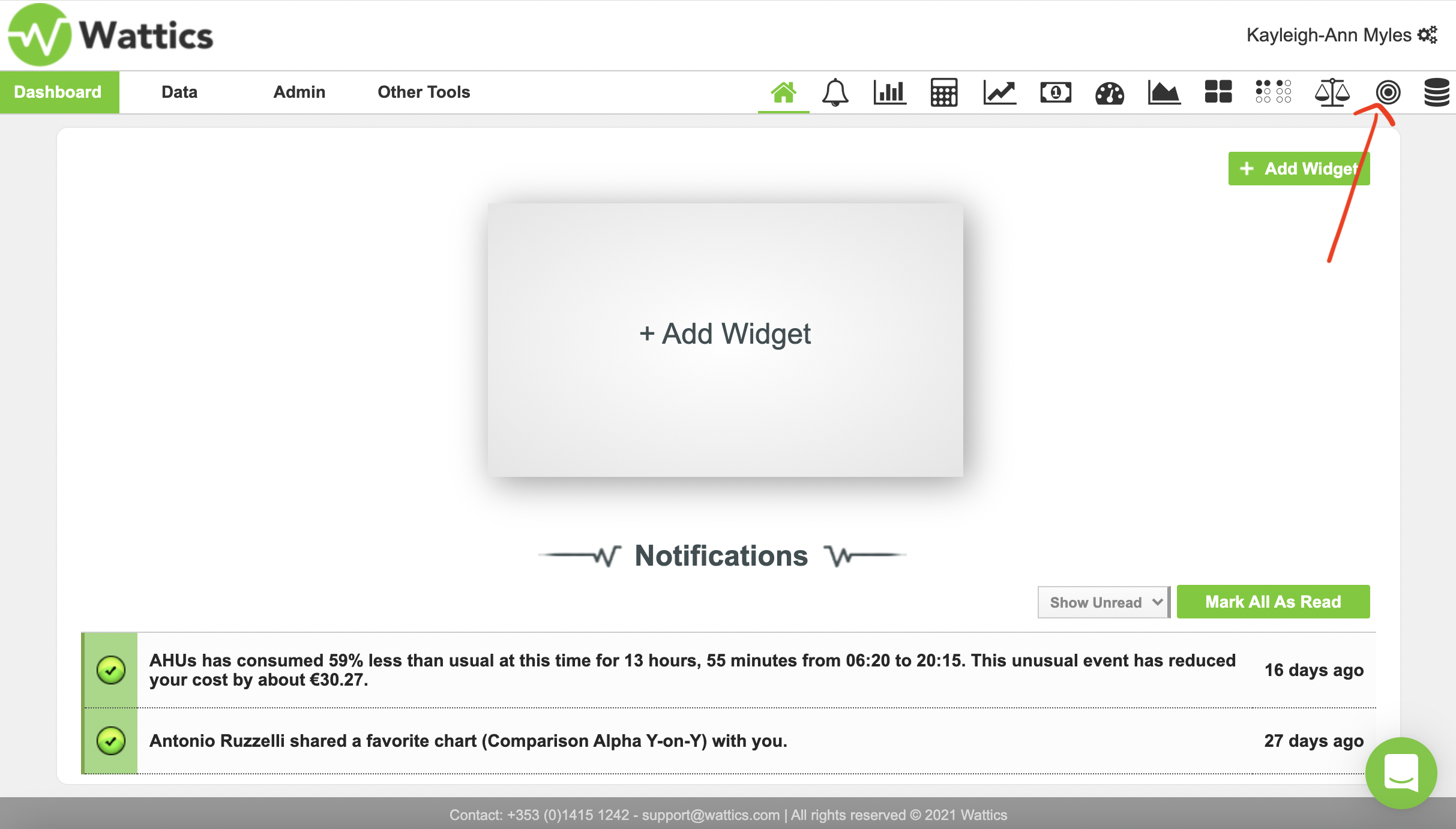
Figure 1.
If you have performed an energy-saving action by informing the staff to turn off compressor one at night, create a new action.
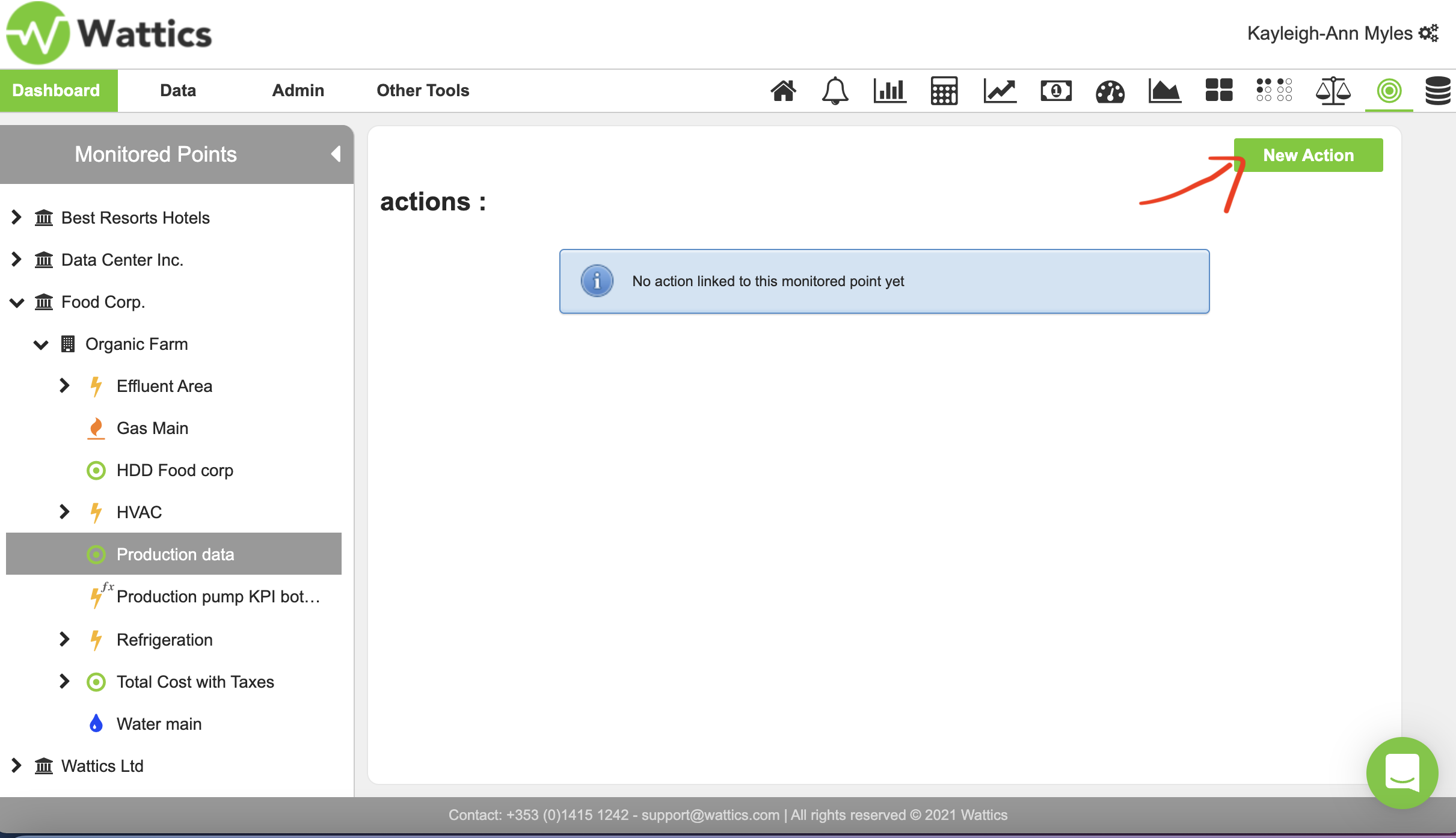
Figure 2.
To create a new action fill in the description boxes below, such as the name of the action, the day implemented, and its description.
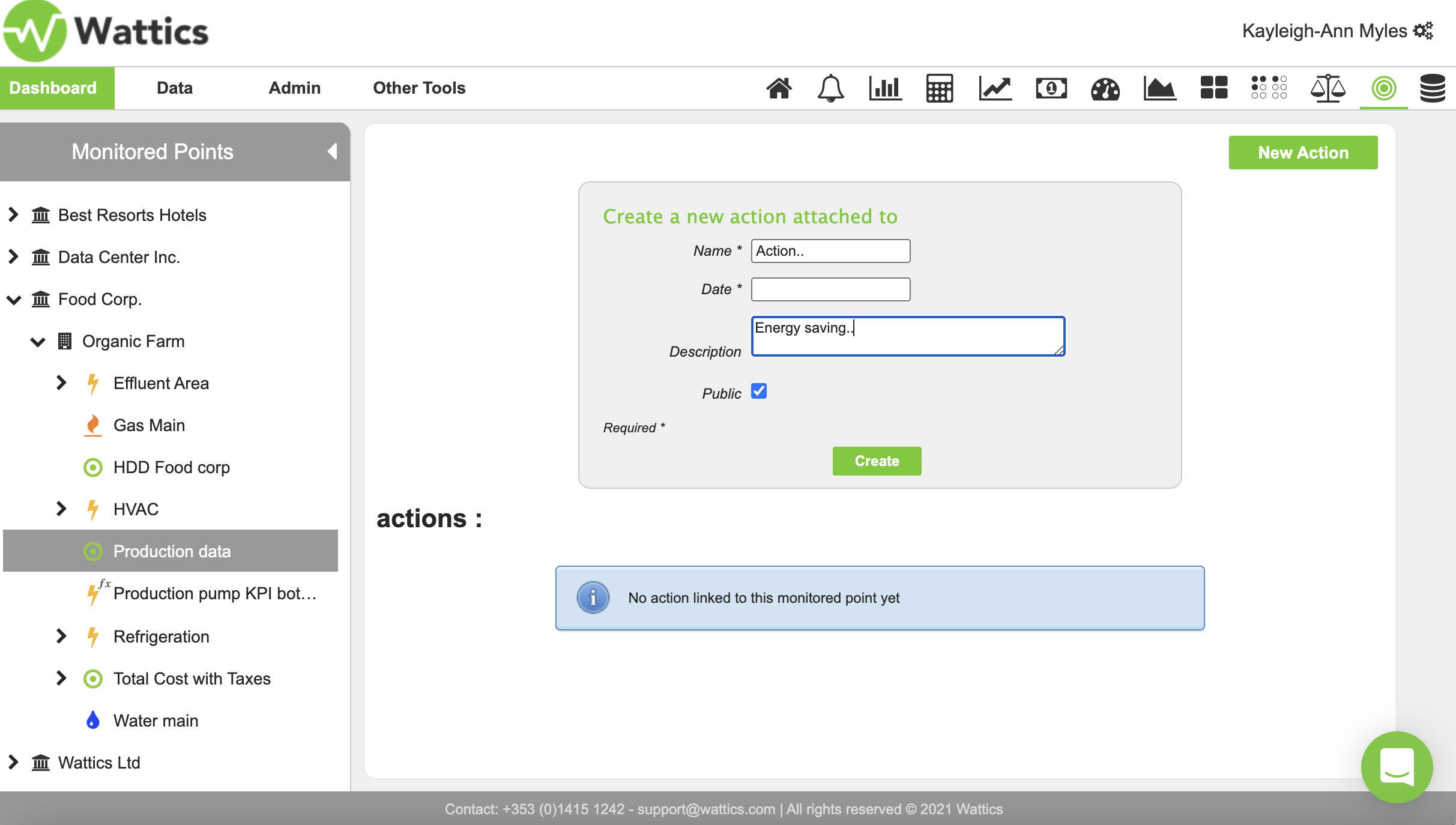
Figure 3.
You can also choose to share actions with other users in your AiElements account, by choosing to make it public. The actions tracker keeps record of all the actions that have been implemented by certain people for a site or appliance. Once the action is complete it should look like the example below in Figure 4.
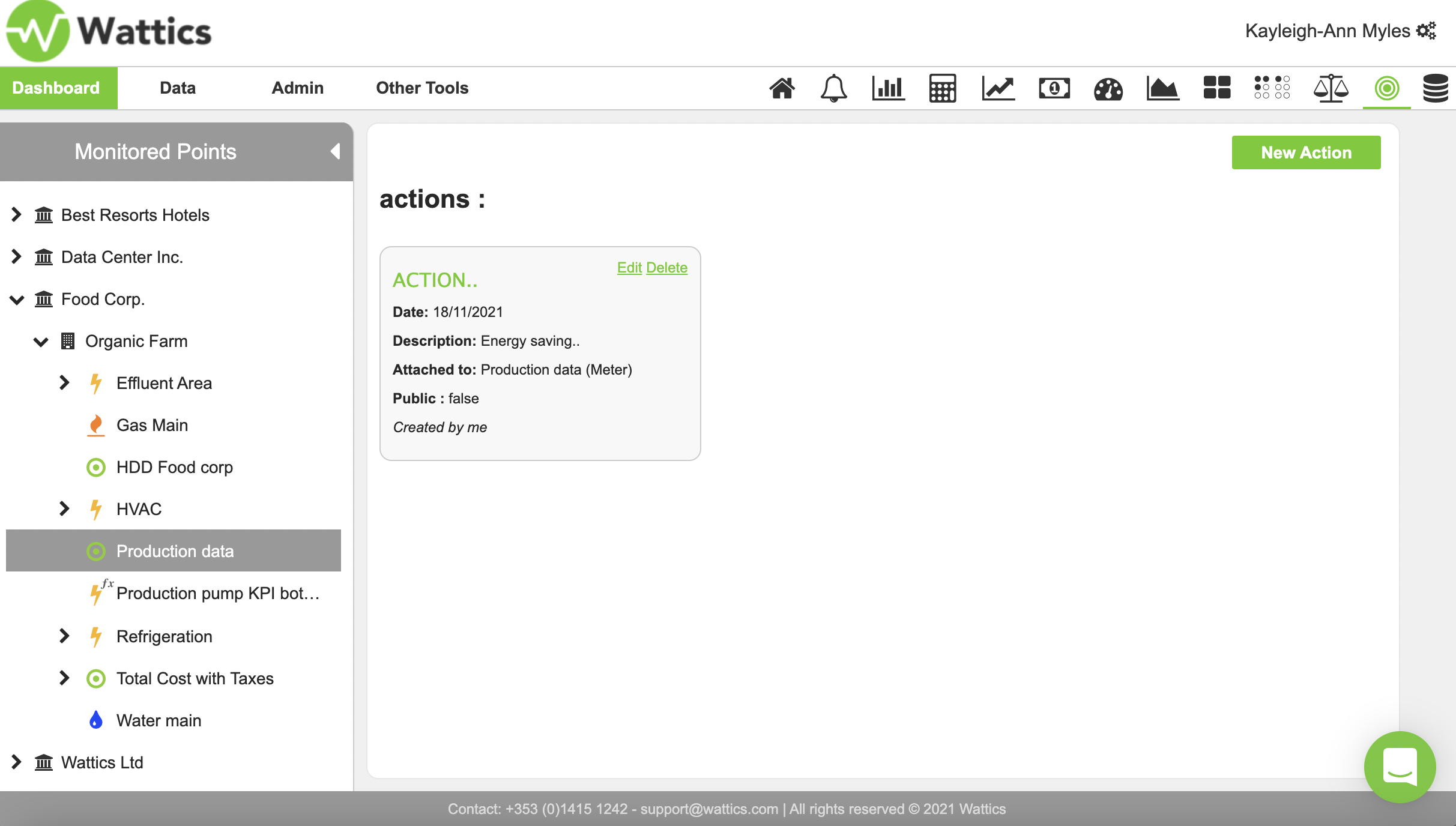
Figure 4.
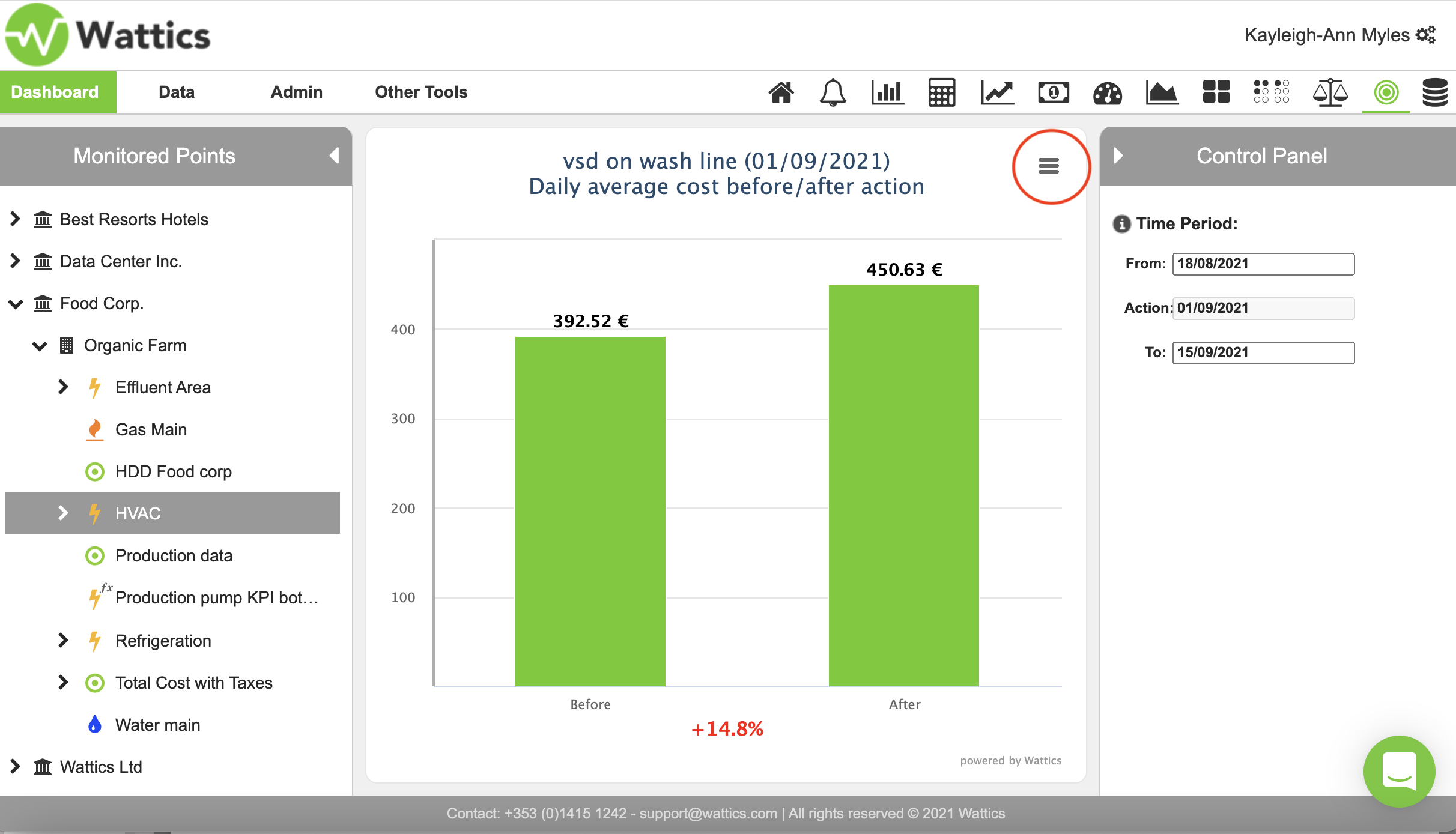
By clicking on an action you can see how the daily cost of energy has changed
before and after the implementation as evidence of improved energy efficiency. Change the time period on the right-hand side and the graph will automatically produce a new daily average cost comparison. This is another way to prove that a project has saved your company energy and costs which is very helpful for ISO 50001 & green building certification such as LEED as well as for other industry certifications & regulatory energy reporting purposes.
You can download this graph in multiple formats, such as PDF or JPEG, to include it
in your clients reports. By clicking on the three line drop-down menu circled below in Figure 5.