Documents

Updated over a week ago
Welcome to AiElements! In this article we will cover the features of the Documents tab.
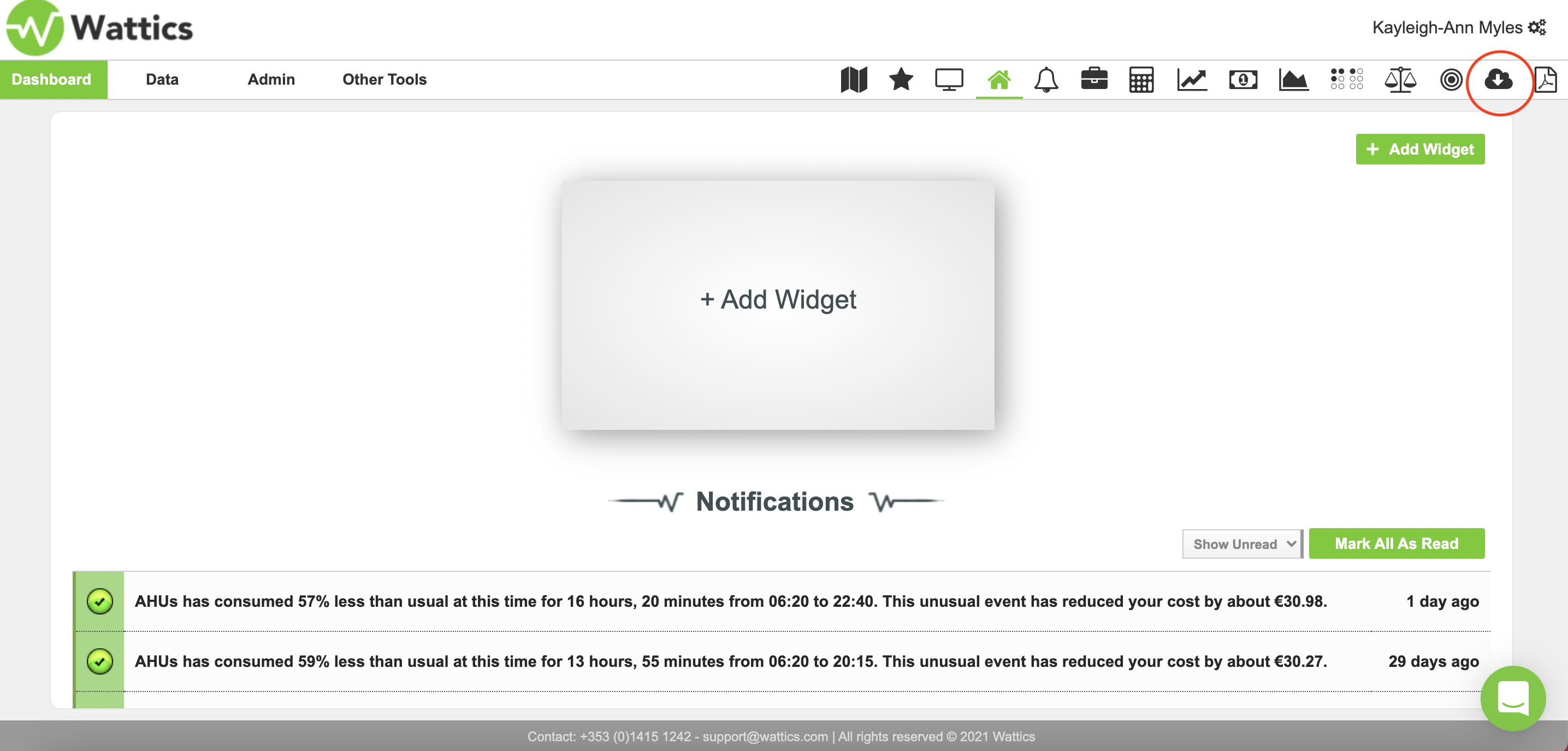
This tool is extremely useful for sharing documents with team members pertinent to a particular project or task, as well as making reports and files available to colleagues or clients directly through the AiElements platform. You can access the documents tab by navigating to the 'cloud upload' icon as highlighted below.
Users with admin rights have the ability to upload, share and restrict access to files
and documents with users in their AiElements account. Simply upload your pdfs and other
file formats such as word, excel and powerpoint, give your document a name, and share it with your team members.
You may also choose to share documents or files with all users registered
in your AiElements account. Once shared, the document or file uploaded
will appear in the ‘documents tab’ in the dashboard view of the users it was
shared with, as seen below.
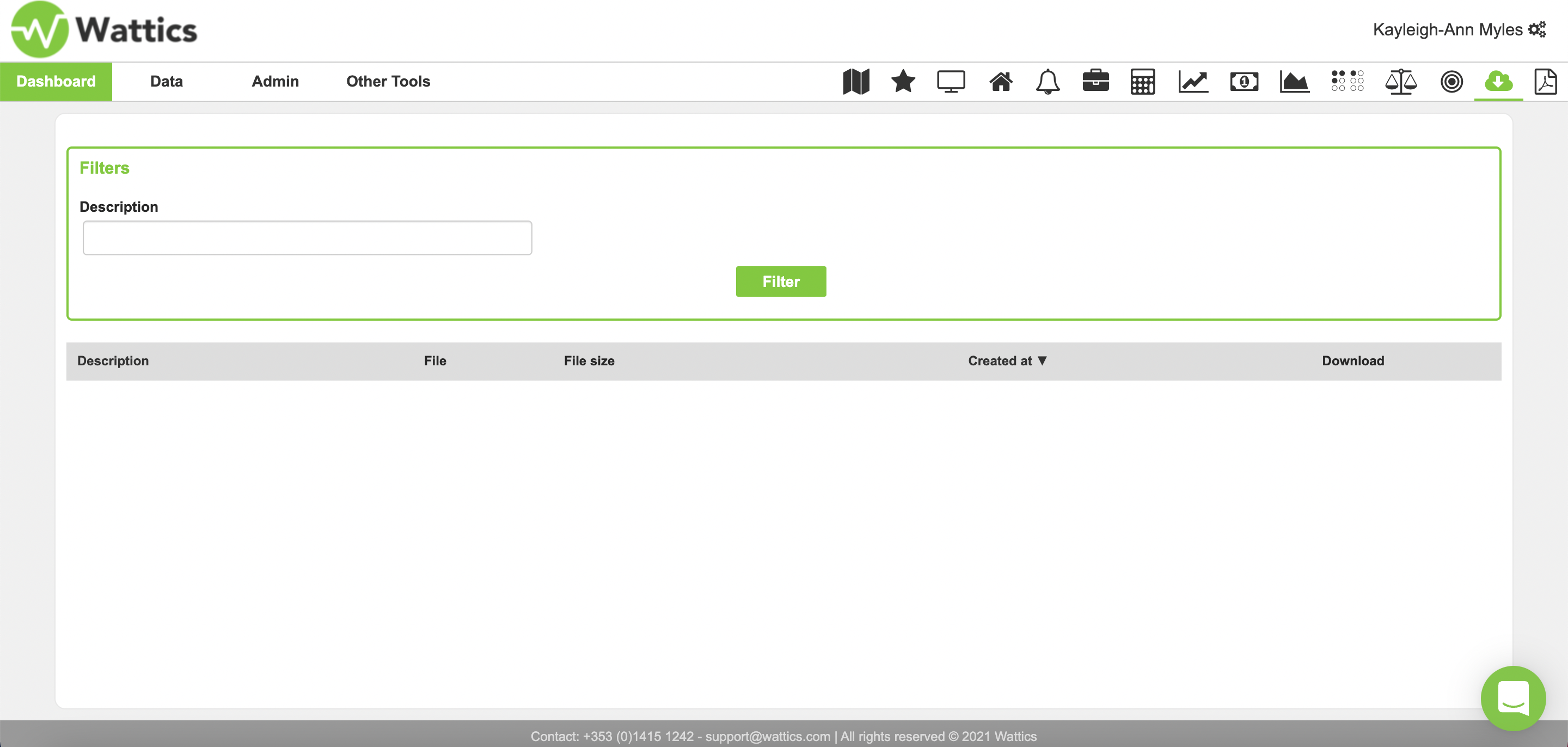
A list of uploaded documents can be filtered by description to quickly
find a specific file. Once a document has been downloaded, the download button will
appear in blue. If necessary, a document link can be copied and shared with individuals outside your organisation for download by simply copying and pasting the document web URL into an email, shared drive, or other media.
If you would like to know more about the AiElements Documents tool, or the features available through the AiElements platform, check out our brief instructional videos at www.ai-elements.com/dashboard.